Skip to content
Home
Production Team
Host
PPV
Affiliate
PPV Guide
Contact Us
Book a broadcast
Book
Menu
Home
Watch Page
Join Membership YouTube
(opens in a new tab)
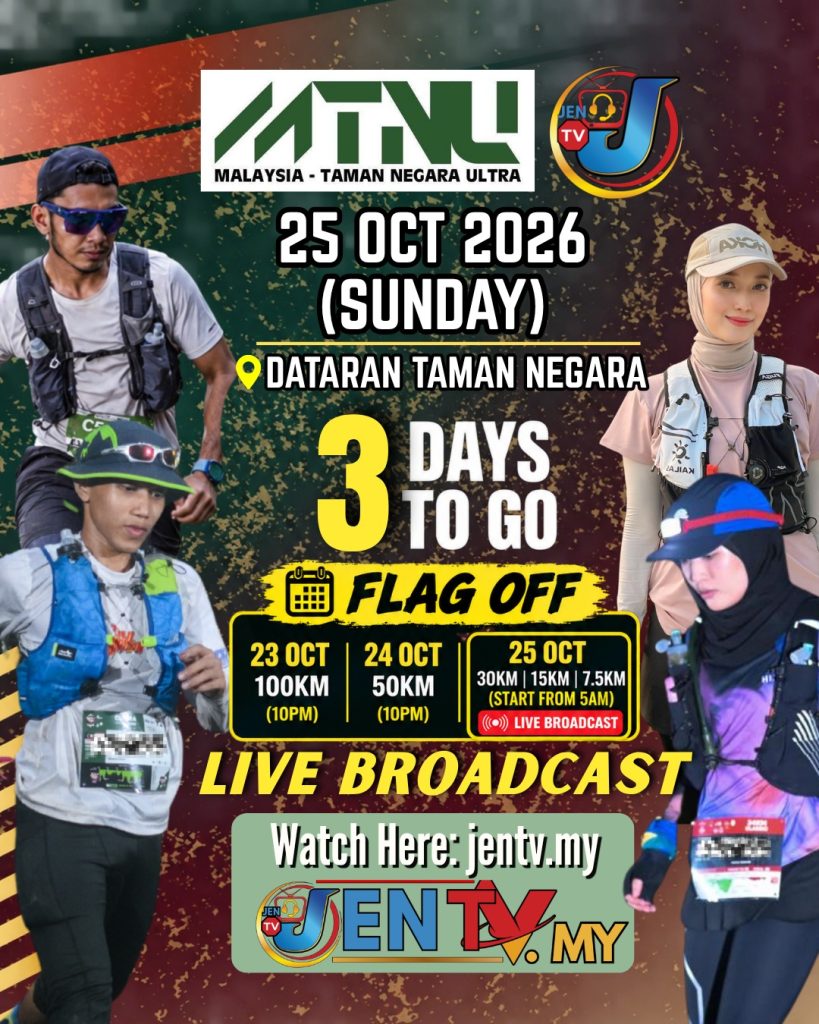
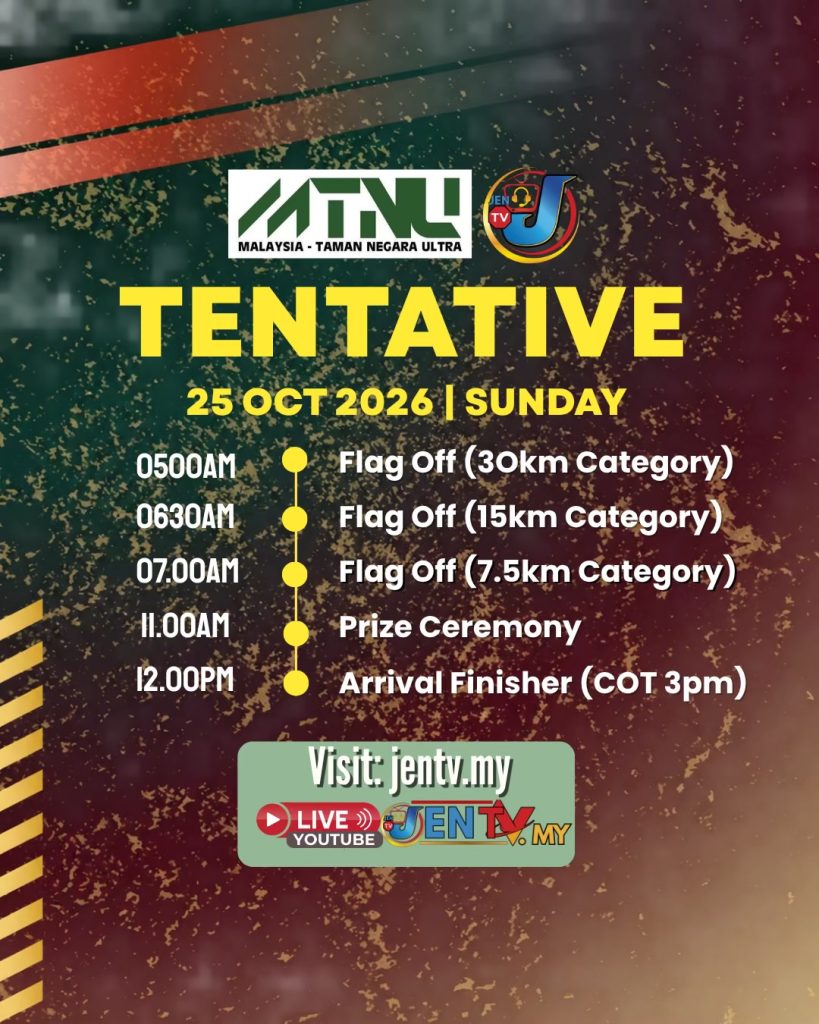
MALAYSIA TAMAN NEGARA ULTRA
Watch on TV
Play this stream on your TV through the YouTube app
TV code
Connect
How to get your TV code
How to get your TV code
1
Open the YouTube app on your Smart TV
Works on any Smart TV — Samsung, LG, Sony, Android TV, Fire TV, Apple TV, Mi Box.
2
Go to Settings on the left sidebar
Scroll down the left menu and look for the gear icon at the bottom.
3
Under "Link TV & Phone", select "Link with TV code"
A 12-digit code appears on your TV screen, e.g. 665 301 927 460.
4
Enter the code above and tap Connect
The stream starts playing on your TV automatically.
This is what you see on your TV screen — look for the 12-digit code. Tap the picture to enlarge it.